People mix these up. A commit is a snapshot you already saved. A pull request — a GitHub PR — is the ask to land one or more of those snapshots on main. This lesson is that difference, plus the two words around it: repository and merge.
We stay on the happy path. No squash. No rebase. No retargeting. Those are later habits. First you need to know what you are looking at on GitHub.
Click a seat, or walk the loop
A repository is the project
A repo holds the files and the history. On GitHub it has a name, like notes. Everyone on the team clones the same repo. You do not email zip files around.
Pull request vs commit
You can make ten commits and never ask anyone to look. The work lives on your branch. A pull request is the named place where those commits become a proposal: the diff, the comments, the checks, the merge button.
The commit answers “what changed, and why.” The pull request answers “may this change become the product?” An AI code pipeline reviews the pull request. It cannot review a commit that never asked.
A repository is the shared project
A repository (repo) is the folder GitHub remembers for you. It has a name. It has files. It has a history. The team clones it. Your laptop copy and the copy on GitHub are meant to stay in conversation.
If there is no repo, there is no shared history. You cannot open a pull request on a zip file in Slack.
A commit is one saved step
A commit is a snapshot plus a message. You changed src/limit.ts. You wrote “Explain the 429 path.” Git stored that. The next commit sits on top of it.
Commits are the material. They are not the review. On GitHub you usually meet a commit inside a pull request: a message and a short hash on the conversation.
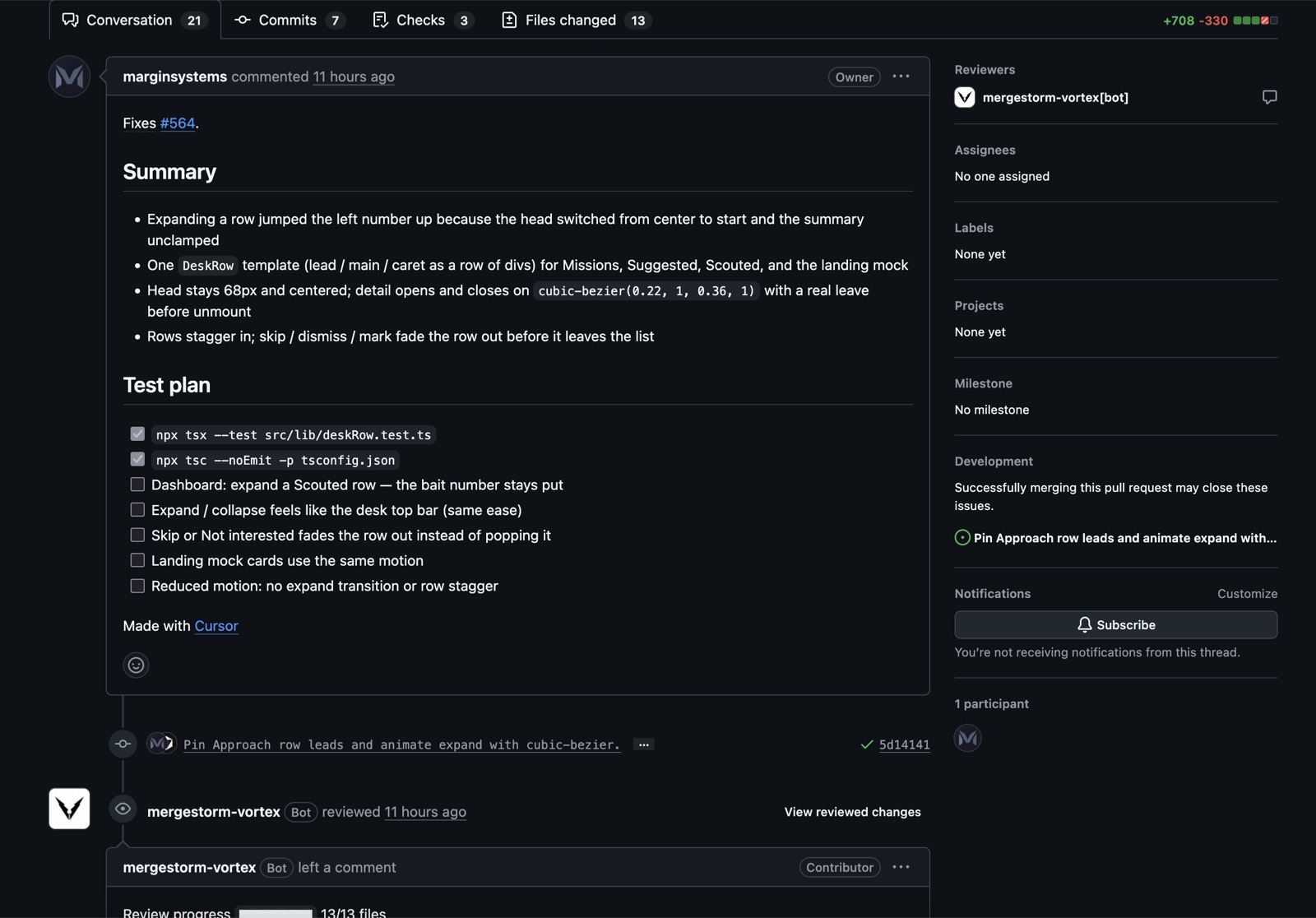
Inside one pull request. The description is the ask. The row with the hash is the first commit — the snapshot that opened it.
A pull request is the ask
You do not edit main in secret and hope. You make a branch, commit there, then open a pull request. The PR shows the diff against main. People comment on it. CI can run on it. A model can take a first pass on it.
Until someone merges, the change is a proposal. That is the whole point of a PR: a named place to look before the code is the product.
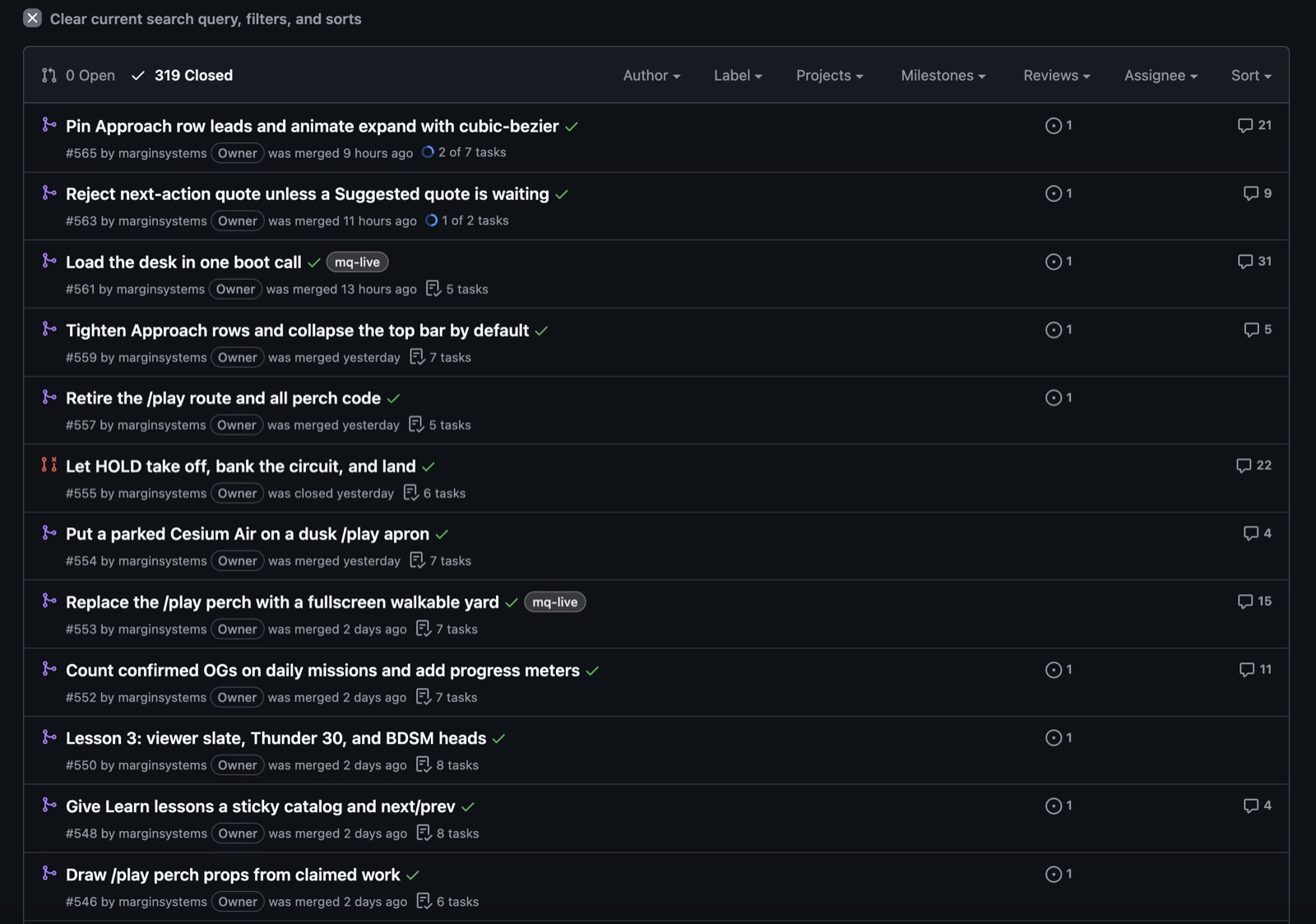
The Pull requests tab is the inbox of those asks. Open, merged, or closed without merging. Each row is one proposal, not one commit.
The Pull requests tab. Each row is one ask — a title, a number, merged or closed. Not a list of commits.
One pull request, more than one commit
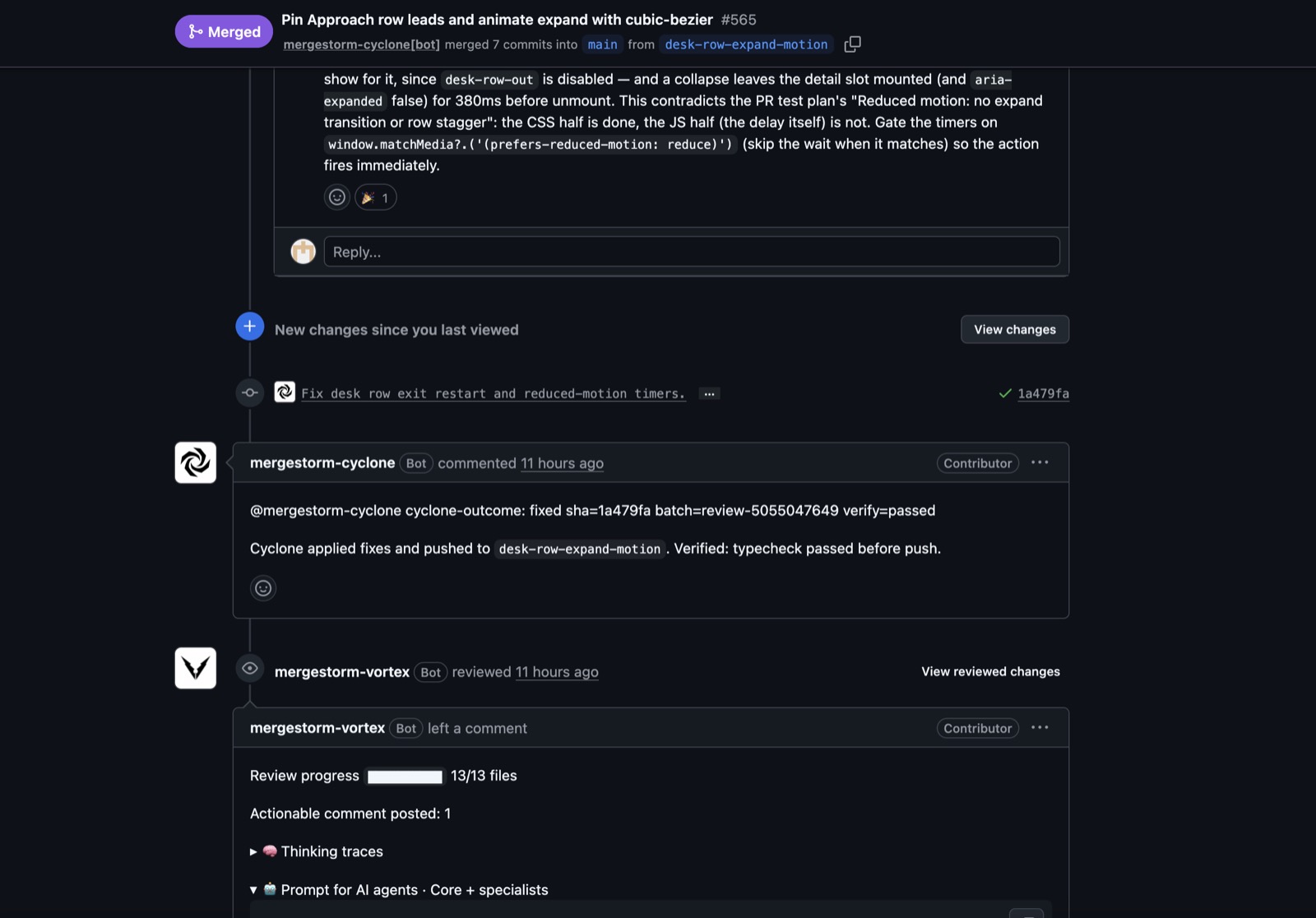
The first commit opens the proposal. Later commits can land on the same PR — a fix, a follow-up, a push after review. Still commits. Still one ask.
A later commit on the same pull request. Same ask, new snapshot — here a fix that landed after review.
Merge is the finish
Merge means the proposal is accepted. The commits join main. The PR closes. Later you ship from main.
Who clicks Merge is the owner. Tools can comment. Tests can go red. A human still decides the change is allowed on the line everyone deploys.
How this becomes a pipeline
Write. Commit. Open a PR. Review. Merge. That is already a pipeline. An AI code pipeline puts a model in one of those seats — usually the first pass on the PR — and keeps the human on merge.
If the words above are new, stop here and walk the loop once on a real repo: one file, one commit, one PR, one merge. Then take the next lesson.
Next lesson
You have a PR. Now put a model in a named seat on that path.